A color tool that
stays out of your way.

From "wait, what color is that?" to copied and saved, in one click. No screen recording prompt, no flipping between apps, no fuss. Here's the whole thing, start to finish.

Click the dot
in your menu bar.

Always up top, tinted to your last pick. One click opens the loupe.

FinderFileEdit

Hover anything,
then click.

Drag the loupe over any pixel and click. Sampled in true sRGB.

#FF6B5C

Your format,
already copied.

Copied the instant you pick. Tap any row for another format.

#FF6B5C CORAL RED
HEX#FF6B5C
RGBrgb(255, 107, 92)
HSLhsl(7, 100%, 68%)
OKLCHoklch(0.71 0.18 28)
Copied #FF6B5C

Save it as
a gorgeous card.

Any color becomes a share ready poster. PNG or SVG, at 3x.
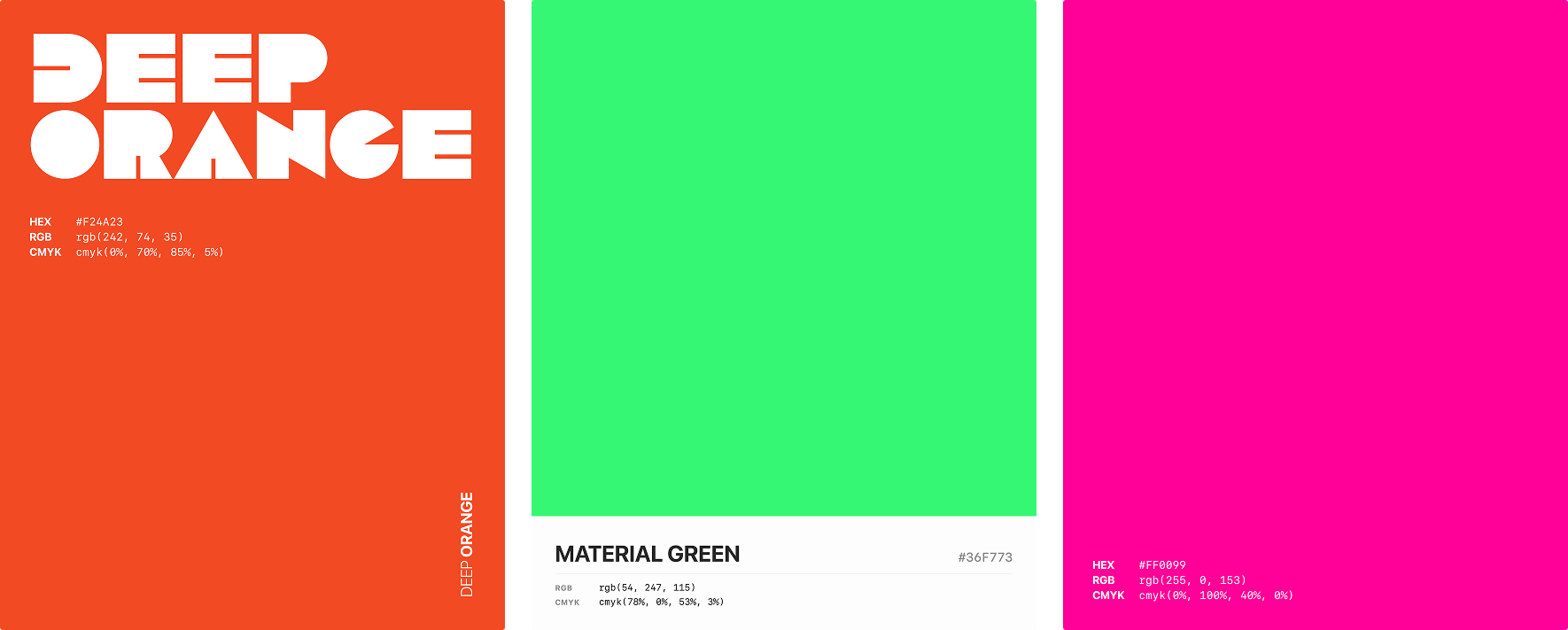
Color cards exported by Dab, poster and spec styles

Every pick,
kept in History.

Grouped by day, searchable by hex or name. Nothing lost.

History
Today

Build the whole
palette, Command G.

Space generates, a lock keeps what you like, and the contrast matrix tells you if it works.

Or start from
317 of them.

A curated library that ships inside the app, so it works offline. Ask for what you want in plain language and it answers on device.

Anatomy
of the HUD.

Everything about a color, in one glance. Made to read, not to decode.

#FF6B5C CORAL REDinfo
Click a row to copy Save
HEX#FF6B5C
RGBrgb(255, 107, 92)
OKLCHoklch(0.708 0.184 28.1)
SwiftUIColor(red: 1.0, …)
1
The color, full bleed

The exact swatch you sampled. No sheen, no shadow, so what you see is what you picked.

2
Big mono HEX, auto contrast

Set in a monospaced face and flipped to black or white so it always reads on the color.

3
Family and name

The plain language family ("red") plus the nearest named color, so you always know what you're looking at.

4
Contrast, a tap away

Hit info for the WCAG grade and ratio against white, plus the APCA Lc. Catch issues before you ship.

5
Tap to copy rows

Every format you chose, one tap each. Bare value for design tools, wrapped form for code.

One color,
21 formats.

Whatever you're pasting into, Dab speaks it. Here's one little coral in every format it knows.

HEX
#FF6B5C
RGB
rgb(255, 107, 92)
HSL
hsl(7, 100%, 68%)
HSB
hsb(7, 64%, 100%)
CMYK
cmyk(0%, 58%, 64%, 0%)
OKLCH
oklch(72% 0.16 28)
OKLAB
oklab(0.72 0.12 0.08)
CIELAB
lab(64 52 38)
DISPLAY P3
color(display-p3 0.95 0.45 0.39)
TAILWIND
bg-[#FF6B5C]
SWIFTUI
Color(red: 1.0, green: 0.42, blue: 0.36)
NSCOLOR
NSColor(srgbRed: 1.0, …)
UICOLOR
UIColor(red: 1.0, …)
CSS RGB
rgb(255 107 92)
ANDROID
0xFFFF6B5C
FLUTTER
Color(0xFFFF6B5C)
UNITY
new Color(1f, 0.42f, 0.36f)
NAMED
Coral

Never even touch
the menu bar.

Bind a global hotkey to whatever you like. Carbon backed, sandbox safe, and it needs zero Accessibility permission.

Pick a color⌥⌘P
Open History⇧⌘H
Show last picked color⇧⌘L
Copy last color⌥⌘C

Quiet,
and all yours.

Dab is fully sandboxed, and it asks for nothing it doesn't actually need. Everything happens right on your Mac, where it belongs.

No screen recording

Picking uses Apple's own color sampler, so macOS never shows a recording prompt and no image of your screen is ever made.

No account, no tracking

Everything lives on your Mac. No sign up, no analytics, no third parties. iCloud sync, when on, uses your own iCloud.

No permissions

No Accessibility, no Input Monitoring, no notifications. Global hotkeys run through a sandbox safe path.